
Your Workflows. Your Rules.
More Possibilities.
Go beyond standard HubSpot automation. Execute JavaScript, connect external APIs, transform CRM data, and securely handle sensitive information, all within the workflows you already use.
Everything Your Workflows Need to Do More
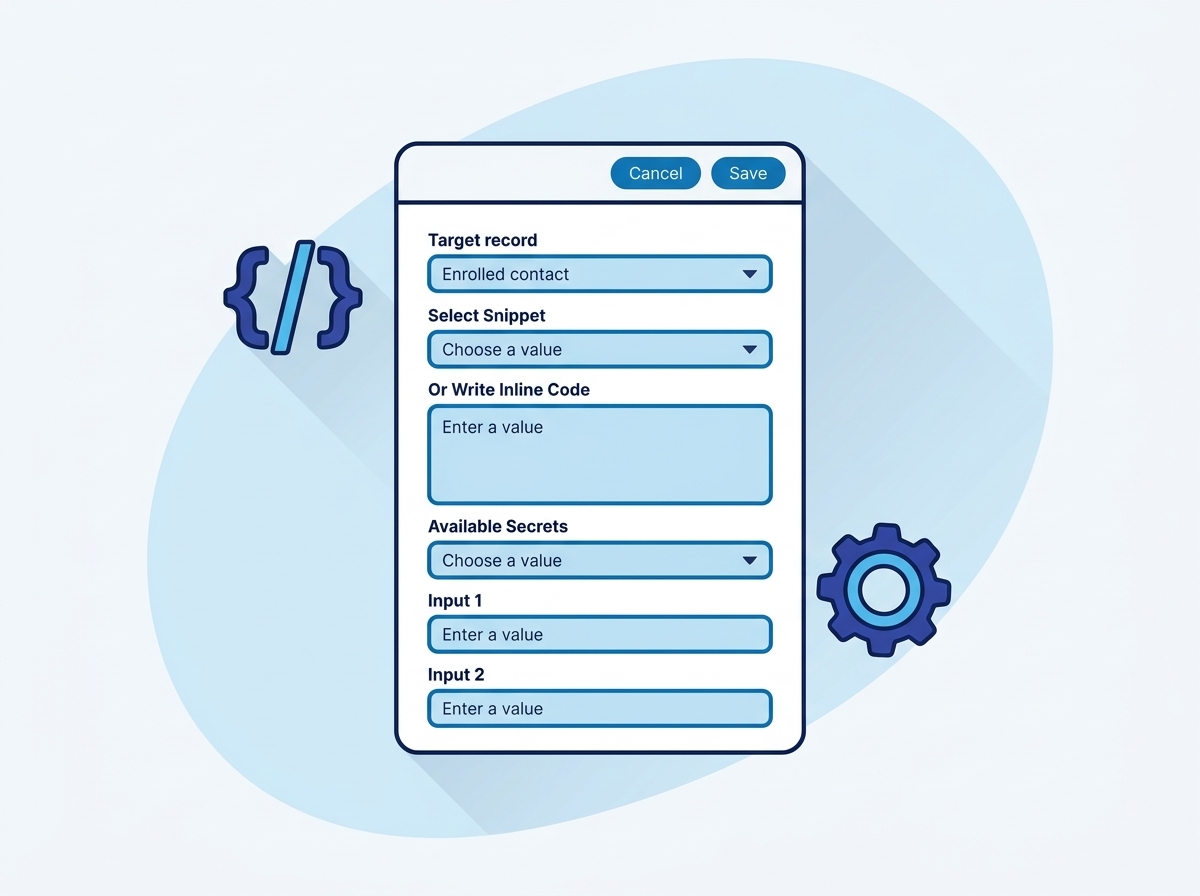
Write JavaScript inside HubSpot workflows
Execute sandboxed JavaScript on any workflow enrollment with encrypted secrets, saved snippets, five inputs and five outputs. The escape hatch for every automation HubSpot cannot express natively.
Explore this action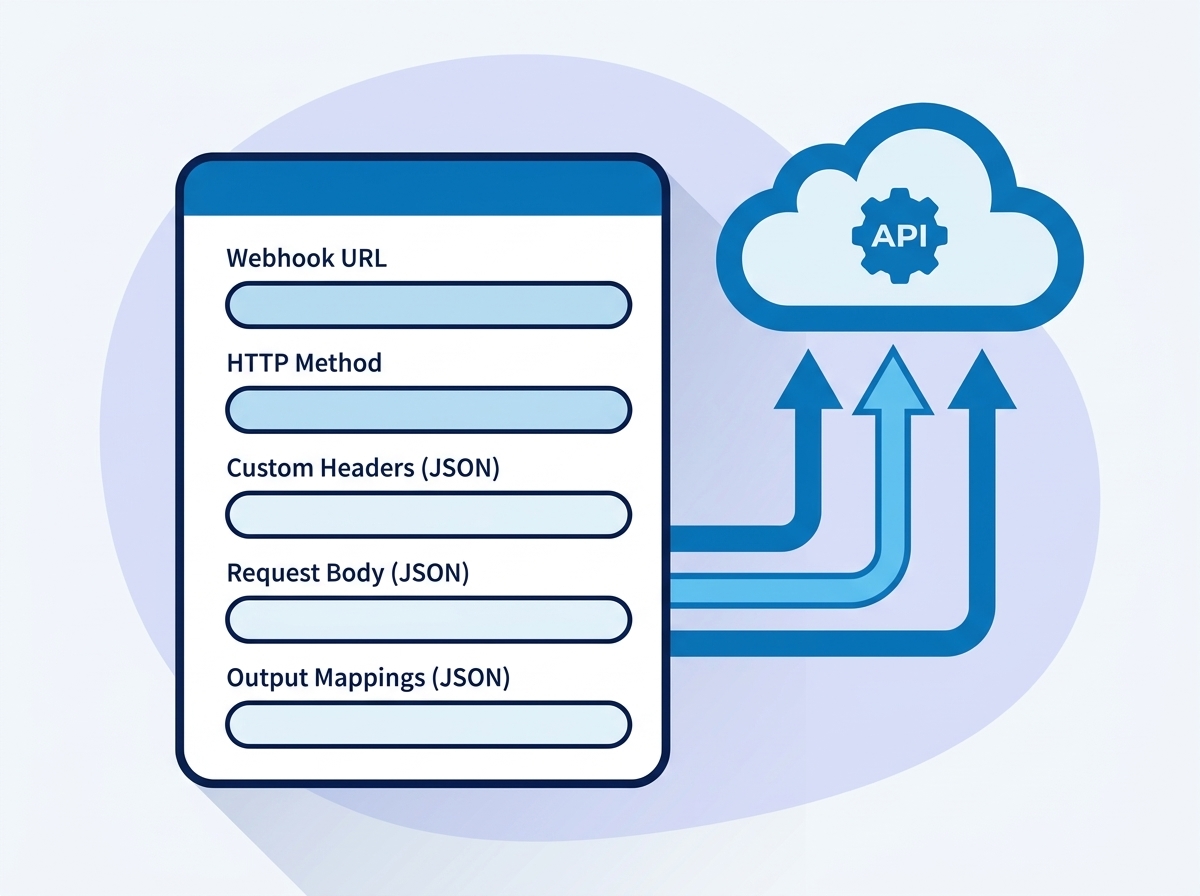
Call any API from a workflow, with retries
Send an HTTP request to any URL with your choice of method, headers and templated body, then map the JSON response back into workflow outputs. Automatic retry on timeouts and server errors.
Explore this action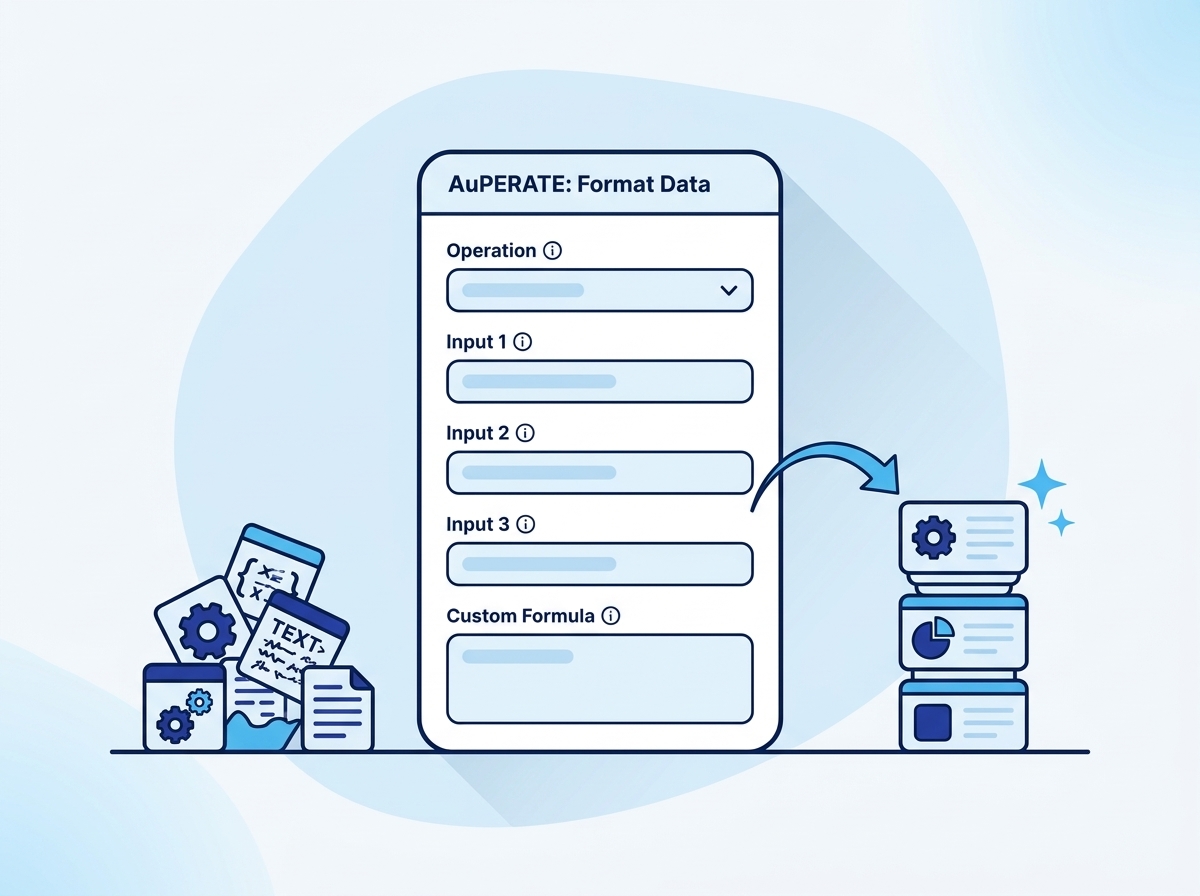
Clean, convert and compute values, including phone numbers
Twenty operations on text, numbers, dates and phone numbers, plus a custom formula mode. The everyday cleanup tool: uppercase, trim, round, currency, date math, phone normalization and more.
Explore this action
Protect sensitive values inside workflows
Hash, encrypt, encode or decode any value: SHA-256, SHA-512, SHA-1, MD5, HMAC-SHA256, AES-256 encryption and decryption, and Base64. Keyed operations use a secret you control.
Explore this action
Connect any record to any other, one to one or one to many
Associate the enrolled record with contacts, companies, deals, tickets or custom objects. Find targets by matching a property value, by record ID, or by email domain. Apply association labels, including your custom labels, and remove associations just as precisely.
Explore this action
Rules-based dedupe with a safe preview mode
Find records duplicating the enrolled one by phone, by any property, or with advanced AND/OR rules with normalizers, then merge them into the survivor you choose. Preview mode reports what would merge without touching a record.
Explore this action
Add, update and remove deal line items from workflows
Operate on the enrolled deal’s line items without opening the deal: add a line item, update every line item or only those matching a filter, or remove them selectively.
Explore this action
Duplicate records with full control over what carries over
Create a copy of the enrolled record, including custom objects. Copy every writable property or pick exactly which ones from a live multiselect, rename the clone, and optionally carry its associations over.
Explore this actionPurpose-built tools for sharper automations
Date Calculator
Add or subtract days, weeks, months or years from any date property, or rewrite a date into another format, including Unix timestamps. The result lands in the property you choose.
Explore this actionTransform and Map Data
Six record-level transformations behind one selector: map values between picklists, concatenate or split properties, extract with regular expressions, normalize domains, and pull values out of JSON payloads.
Explore this actionBrowse every use case
All the automation patterns across the ten actions, filterable by what your team does.
See use casesA Familiar Workflow Action. With More Power.
Workflow inputs go in, your logic runs, and the outputs map straight back onto the record.
- Deal · enrolled record
- Property values
- Encrypted secrets
- Any of the ten actions
- Run Custom Code, Send Webhook
- Merge, Associate, Clone, Line Items
- Format, Transform, Dates, Crypto
- Mapped properties
- Success / error state
- Console output
Built for the Way You Work
Native HubSpot experience
Add actions to the workflows you already use. No external platform, no context switching.
Reusable automation
Use saved snippets and secrets to simplify repeated configurations across workflows and accounts.
Designed for security
Encrypted secrets, per-account isolation, and controlled code execution at every step.
Questions about AuPerate
Stop Working Around Your Workflows. Start Extending Them.
Everything you need to build more powerful HubSpot automations, without upgrading to Data Hub Professional.
Get Started